Getting started
First-week checklist
Do these in order. Skipping “Publish pricing” or “set org slug” is the usual reason public quotes fail.
-
Confirm organisation profile
Settings → Organization: name, timezone, support hours, contact. See Settings.
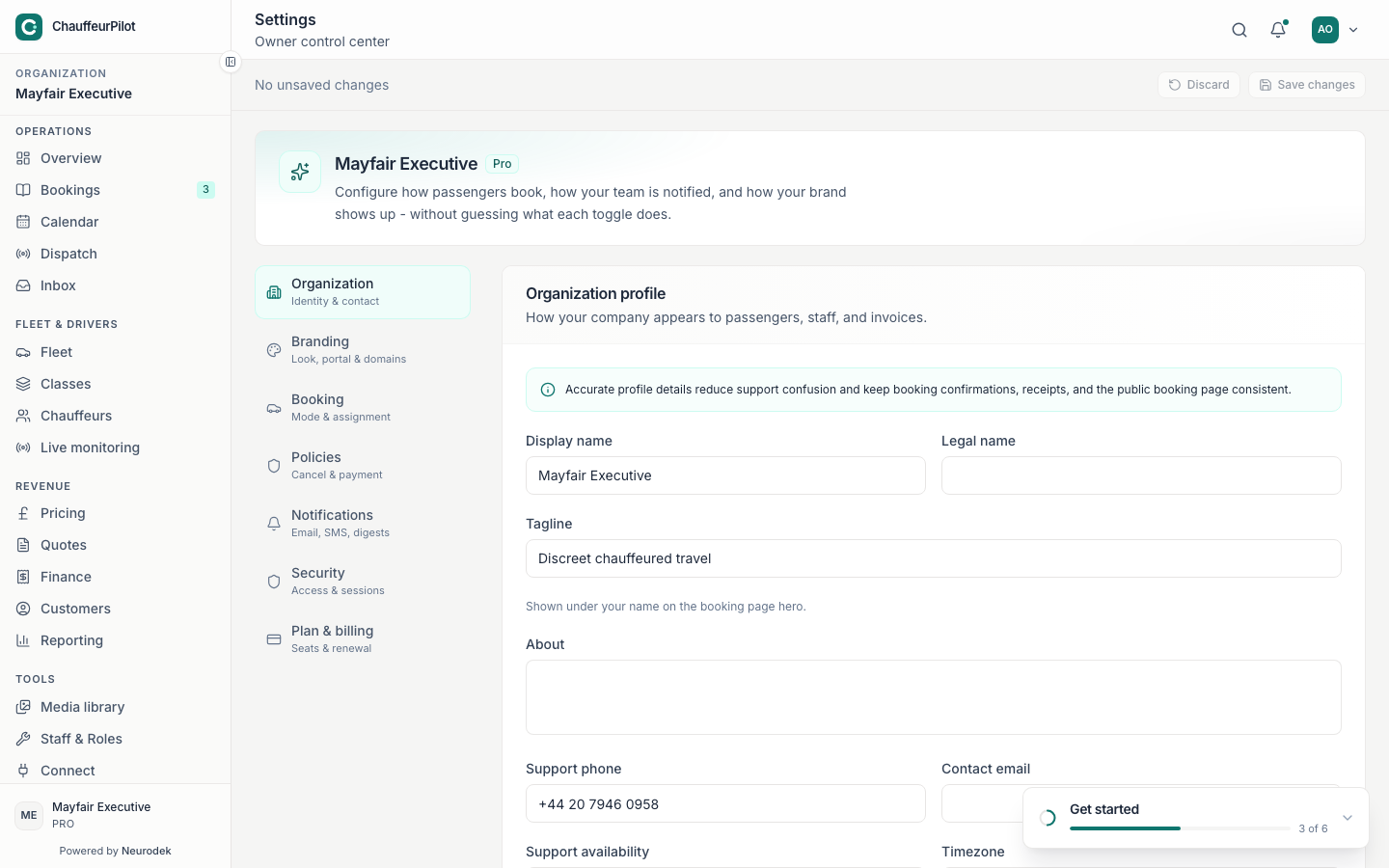
Confirm profile and timezone first -
Set org slug & branding
Settings → Branding and Builder: slug powers
/book/{slug}and portal URLs.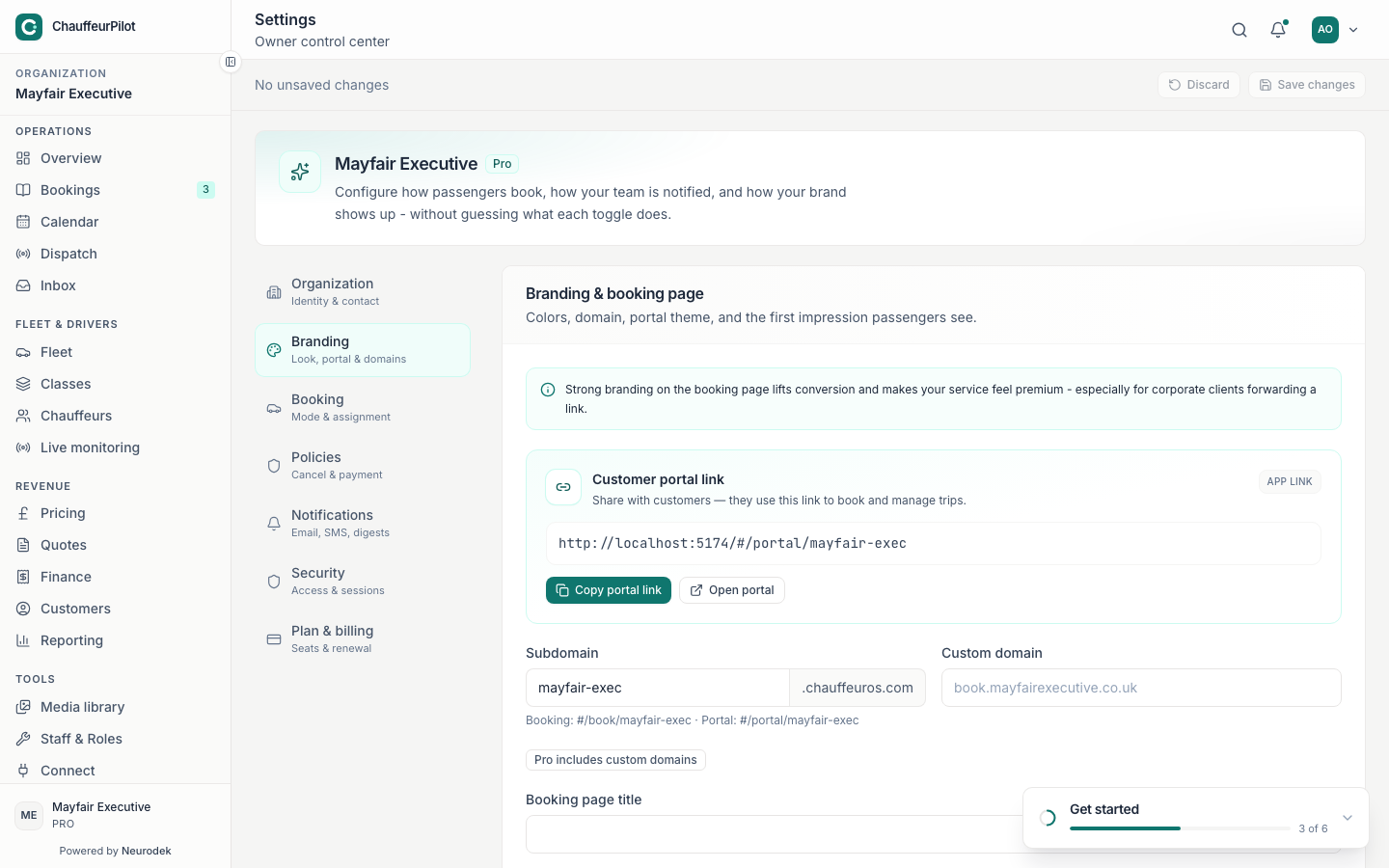
Branding and slug before public URLs -
Add vehicle classes & fleet
Classes + Fleet screens before public quotes look empty. See Chauffeurs & fleet.
-
Configure pricing draft → Simulator → Publish
Live quotes use the published version only. See Pricing.
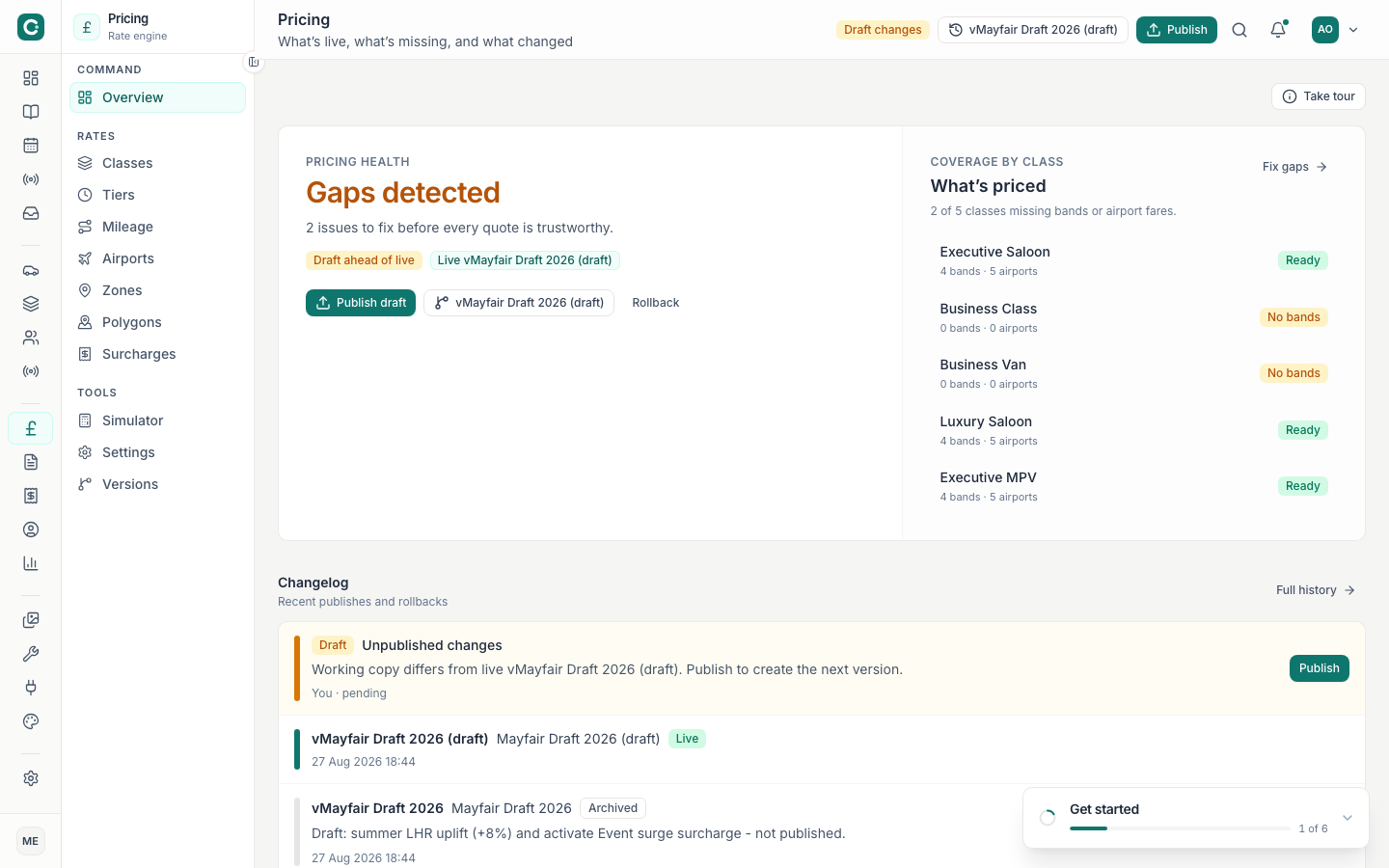
Clear gaps, then Publish -
Publish the booking form
Builder → publish snippets pointing at embed origin. See Builder & embed.
-
Invite chauffeurs
Chauffeurs → invite → they complete documents in the driver app.
-
Place a test booking end-to-end
Public form → appears in Bookings / Dispatch → assign → driver accepts → complete / invoice.
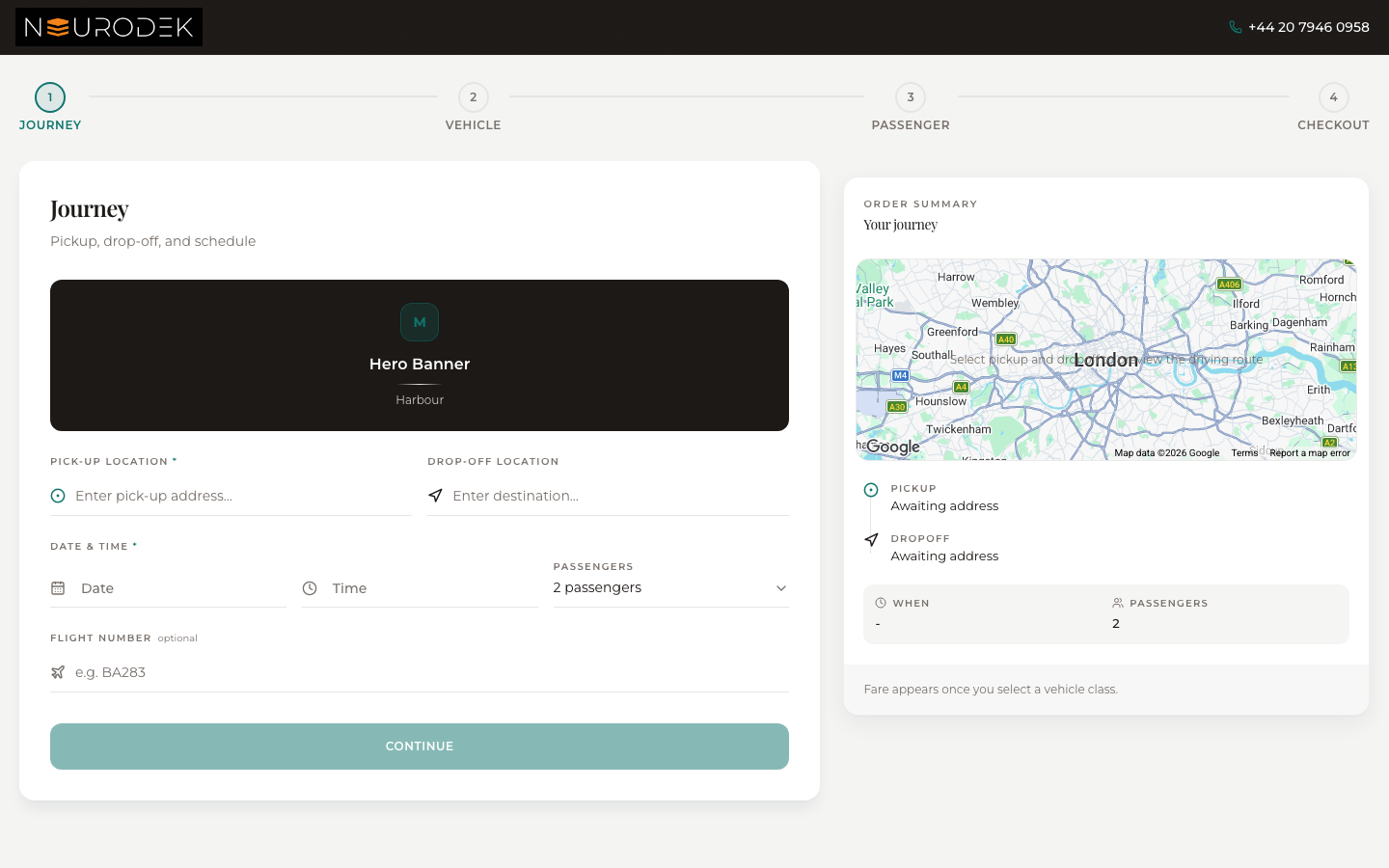
Smoke-test the public book funnel
Note: Platform admin (plans, geo packs, feature flags) is intentionally out of the operator first-week path.