Operators · Screen guide
Bookings console
Primary ops surface for the job lifecycle at #/{orgSlug}/bookings. Prefer Board when assigning; List when searching or exporting.
Open & layout
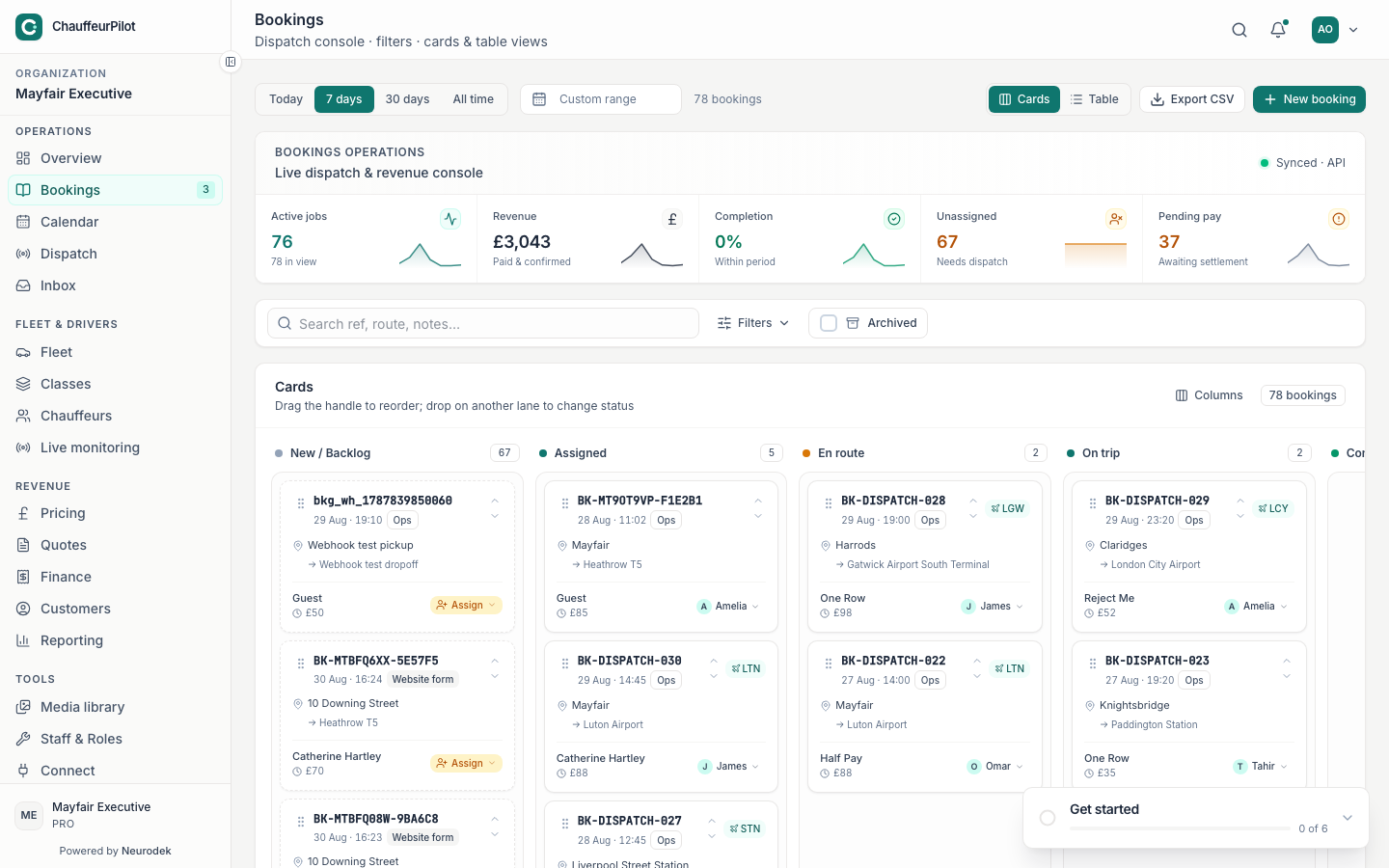
- Sidebar → Bookings
- Opens the console. Deep links like
?id=…open a specific booking detail. - Board / List toggle
- Board groups cards by status columns. List is a dense searchable table. Use Board for dispatch-style mornings; List for “find booking BK-…”.
- Search
- Matches reference, passenger name, phone, pickup text depending on org data.
- Filters (status, chauffeur, class, channel)
- Narrow the visible set. Filters persist in the URL so you can share a view. Forgetting an active filter and thinking jobs “disappeared”.
Period tabs
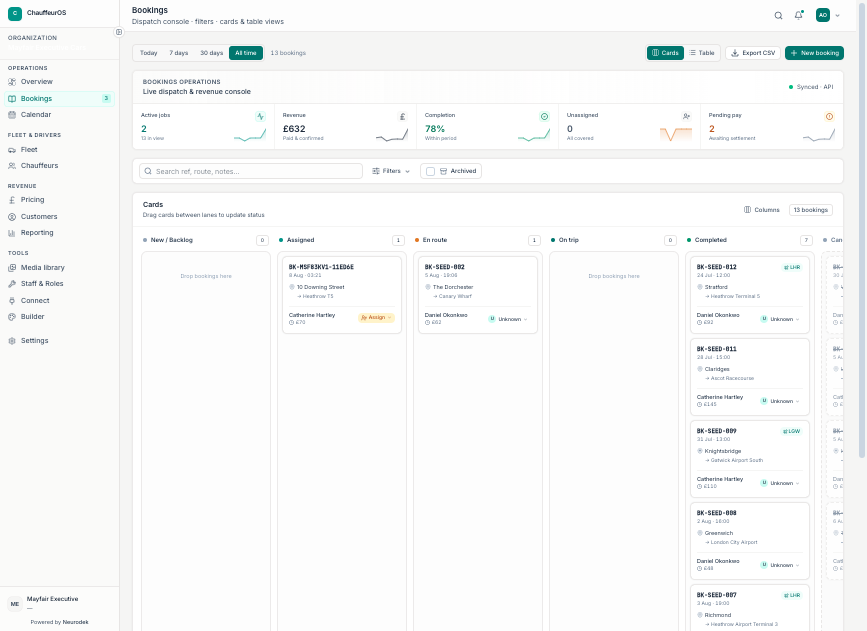
- Today / upcoming windows
- Scopes jobs by pickup date relative to org timezone (set in Settings → Organization). Wrong timezone makes “Today” look empty or overloaded — fix timezone first.
- Custom range (where available)
- For reconciliation and finance follow-up across days.
Board columns
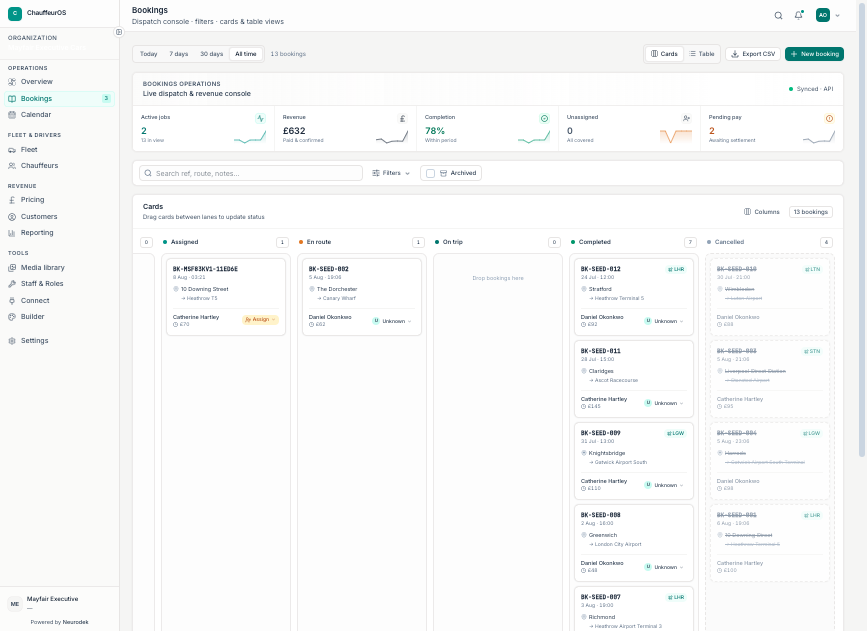
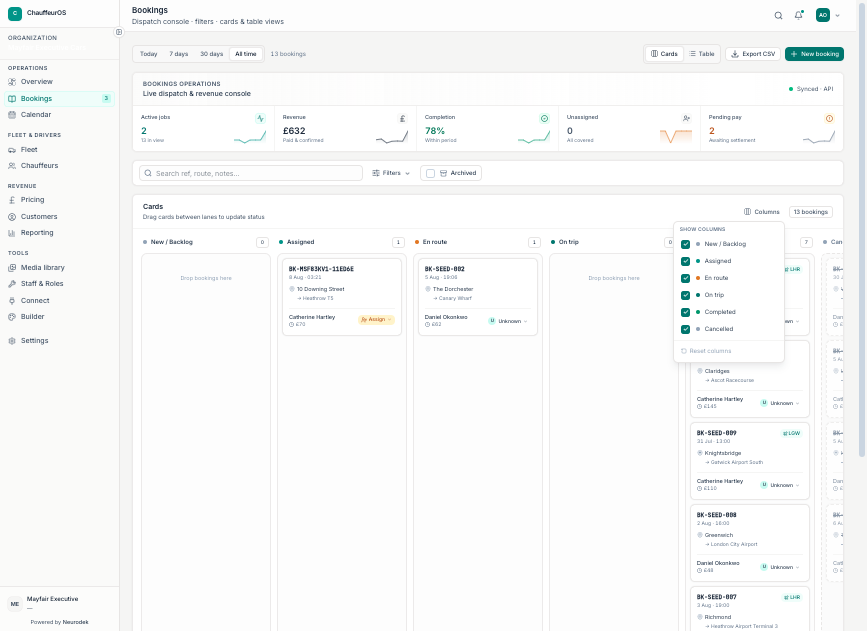
- Status columns
- Each column is a lifecycle stage (e.g. pending, confirmed, assigned, en route, completed, cancelled).
- Customise columns
- Show/hide stages to match your ops SOP. Cancelled is often hidden until needed for audit.
- Booking card
- Shows time, route summary, class, chauffeur chip, payment hint. Click to open detail.
- Drag / move between columns (when enabled)
- Moves status — same rules as the detail status control. Invalid transitions are blocked.
Booking detail
- Passenger & contact
- Name, phone, email. Used for SMS / email notifications when enabled.
- Route & timing
- Pickup, dropoff, stops, meet & greet, flight fields when present.
- Vehicle class
- Quoted class. Changing class may require re-quote depending on booking mode.
- Assign chauffeur
- Pick an available chauffeur. They receive the job in the driver app when assignment succeeds. Use Dispatch if you need fleet pulse + map while assigning many jobs.
- Status control
- Advance or correct lifecycle. Completed bookings cannot be cancelled — UI blocks that path. Trying to cancel completed jobs; use finance adjustments instead. See troubleshooting.
- Payment / invoice links
- Jump to finance artefacts when the booking is invoiced or card-captured.
- Notes / internal
- Ops-only notes; not shown on the public track page unless you copy them into passenger-facing fields.
Common next steps
- Unassigned morning pile → assign from Board or open Dispatch.
- Schedule conflicts → check Calendar.
- Status stuck → Booking status troubleshooting.