Passengers · How-to
Book a trip
Most customers book on the web funnel (hosted or embedded). The passenger app Book tab follows the same journey: route → vehicle → details → pay.
-
Enter the journey
Pickup, drop-off, date/time, passengers, optional flight number. Continue when the route looks right.
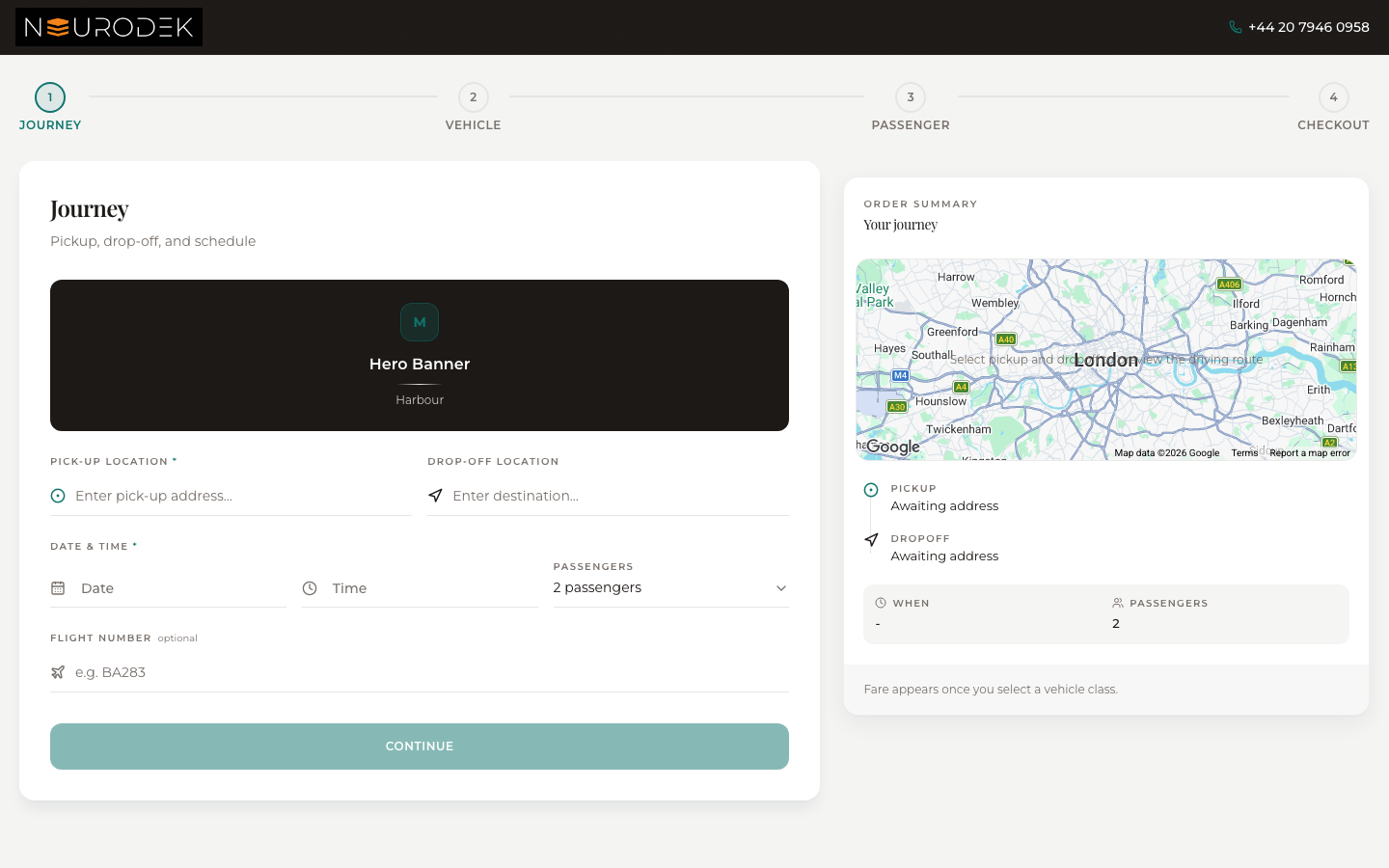
Web book funnel — Journey step -
Choose a vehicle & review fare
Classes and prices come from the operator’s published pricing. If no classes appear, the operator has not published rates yet.
-
Passenger details & checkout
Confirm contact details and pay (org-dependent: card, invoice, or pay later). You receive a booking reference on confirmation.
-
Native app (optional)
If your operator uses the ChauffeurPilot passenger app: center Book tab starts the same flow; confirmation lands on Book Confirmed.
Native passenger-app screenshots are not in this build (simulator not run). Use the web funnel shot above — it matches the product path operators publish.