Passengers · Screen guide
Trips, receipts & account
In the web portal and passenger app, Activity lists trips. Account covers profile, appearance, legal, invoices, rewards.
-
Open Trips / Activity
From the portal or app, open Trips. Select a trip for detail and live status.
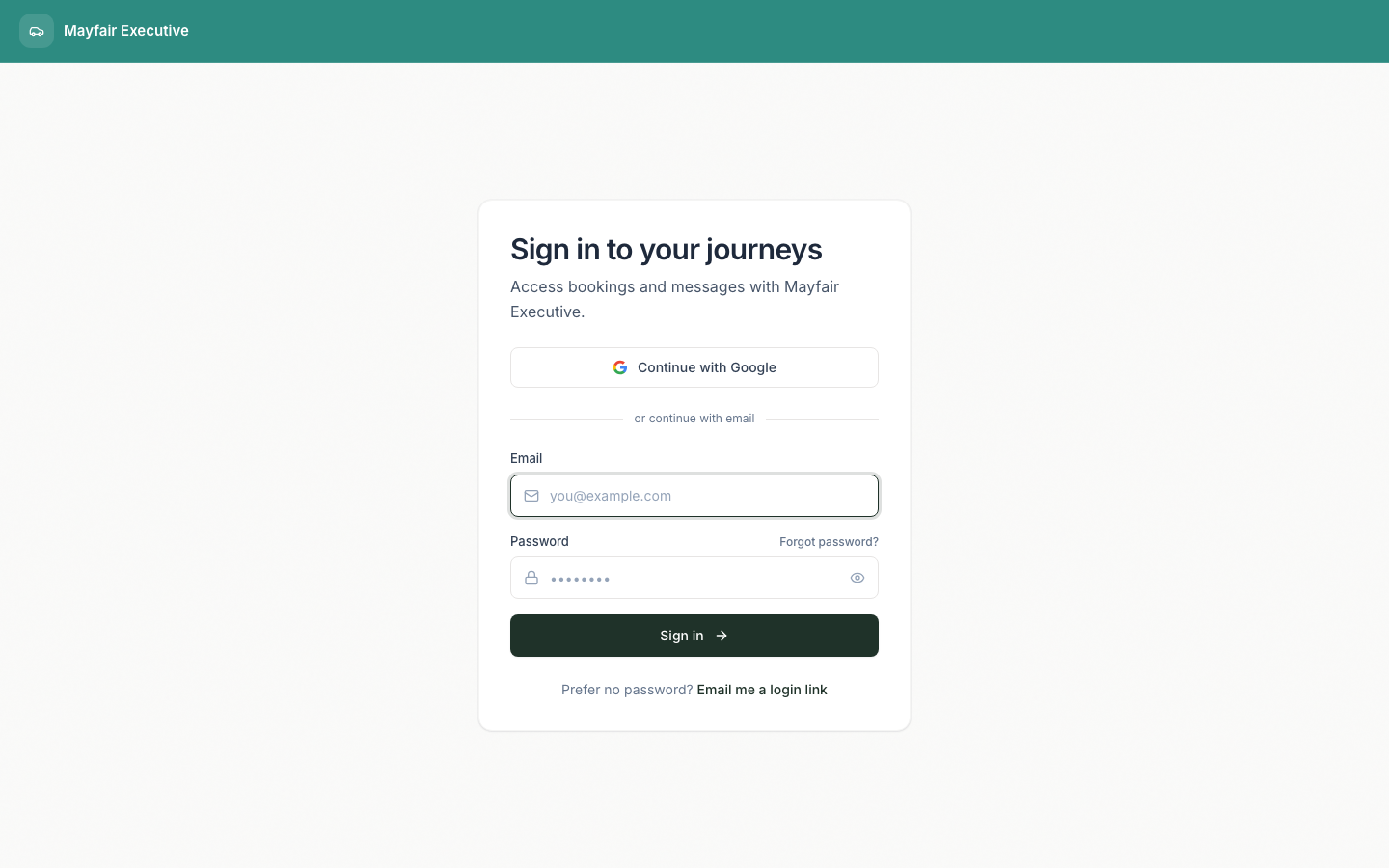
Portal home — open Trips from the nav -
Open a receipt
From trip detail when available. Operators may also send a public invoice link.
-
Account
Edit profile, appearance, invoices, rewards, legal. Sign out from Account when finished on a shared device.
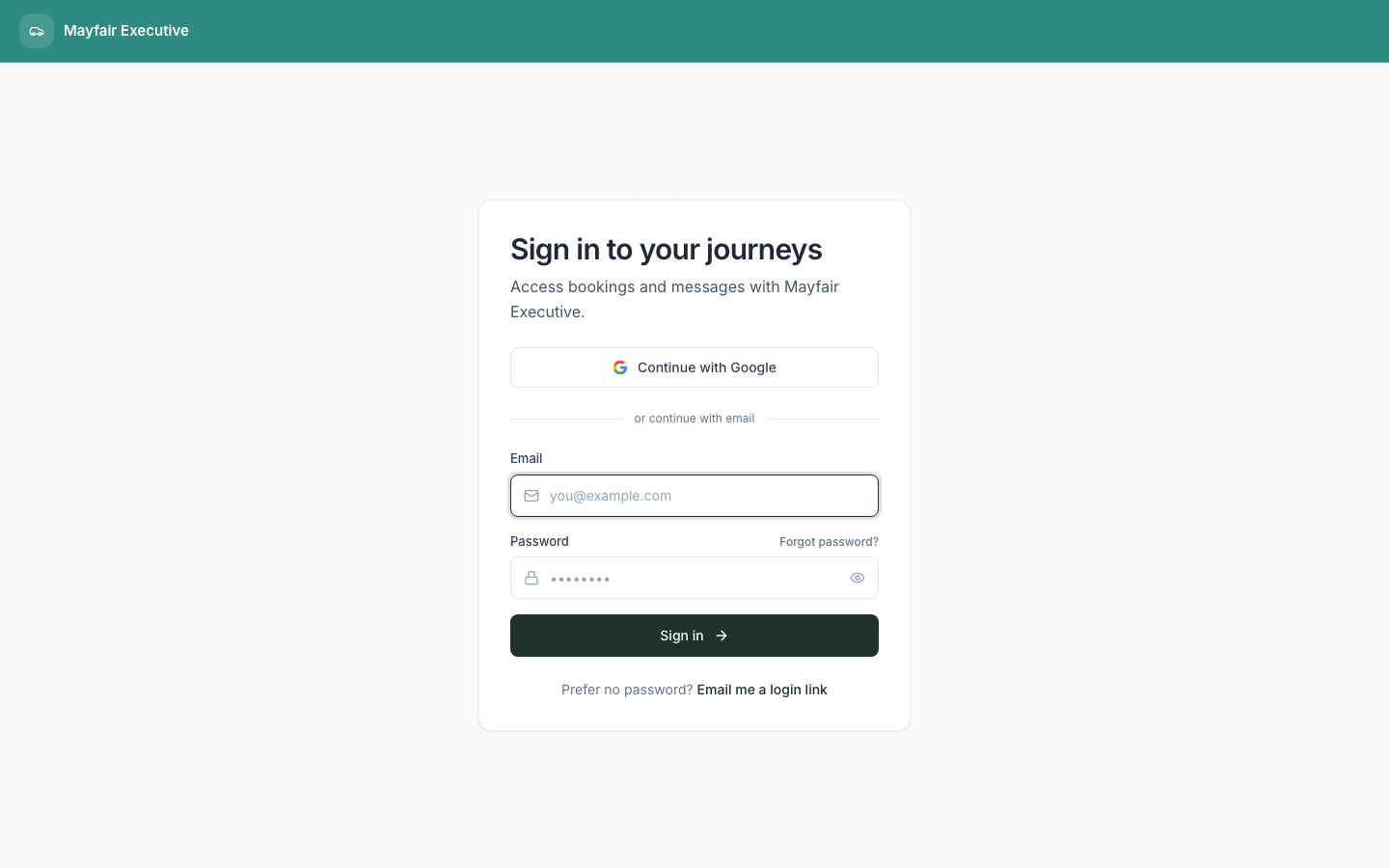
Sign in to manage account and trip history
Native app trip-list screenshots are not captured in this build. Web portal covers the same account and trip surfaces for browser users.