Drivers · Screen guide
Today & jobs
Today shows what matters now. Jobs lists upcoming / available work depending on org settings.
-
Go on duty
Enable on-duty (and location) so operators see you on Dispatch and Live monitoring.
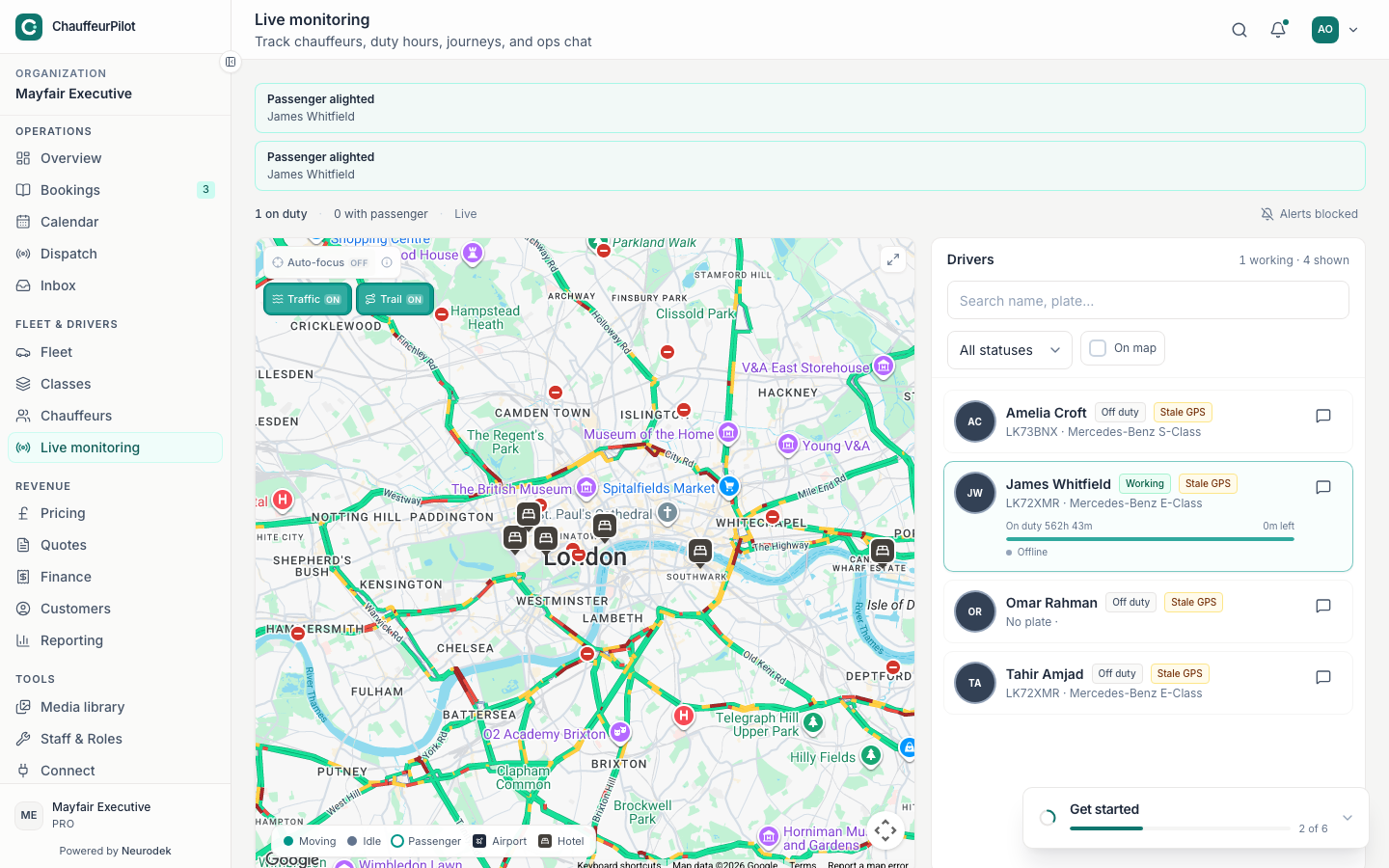
Operators see you on Live monitoring once you are on duty with GPS -
Check Today
Confirm next pickup and any action required (accept, navigate, call).
-
Open Jobs
Select a job for detail — route, passenger, fare visibility (org setting). Accept or request decline with a reason when required.
Gap: Native Today / Job detail screenshots need an iOS Simulator or Android emulator capture. Written steps are accurate for the current chauffeur app.