Drivers · How-to
Live trip & recap
Once en route, Trip Map is the working screen. Finish with Trip Recap so finance and passenger receipts stay accurate.
-
Open Trip Map
Follow navigation and passenger contact from the job. Operators may watch progress on Dispatch / Live monitoring.
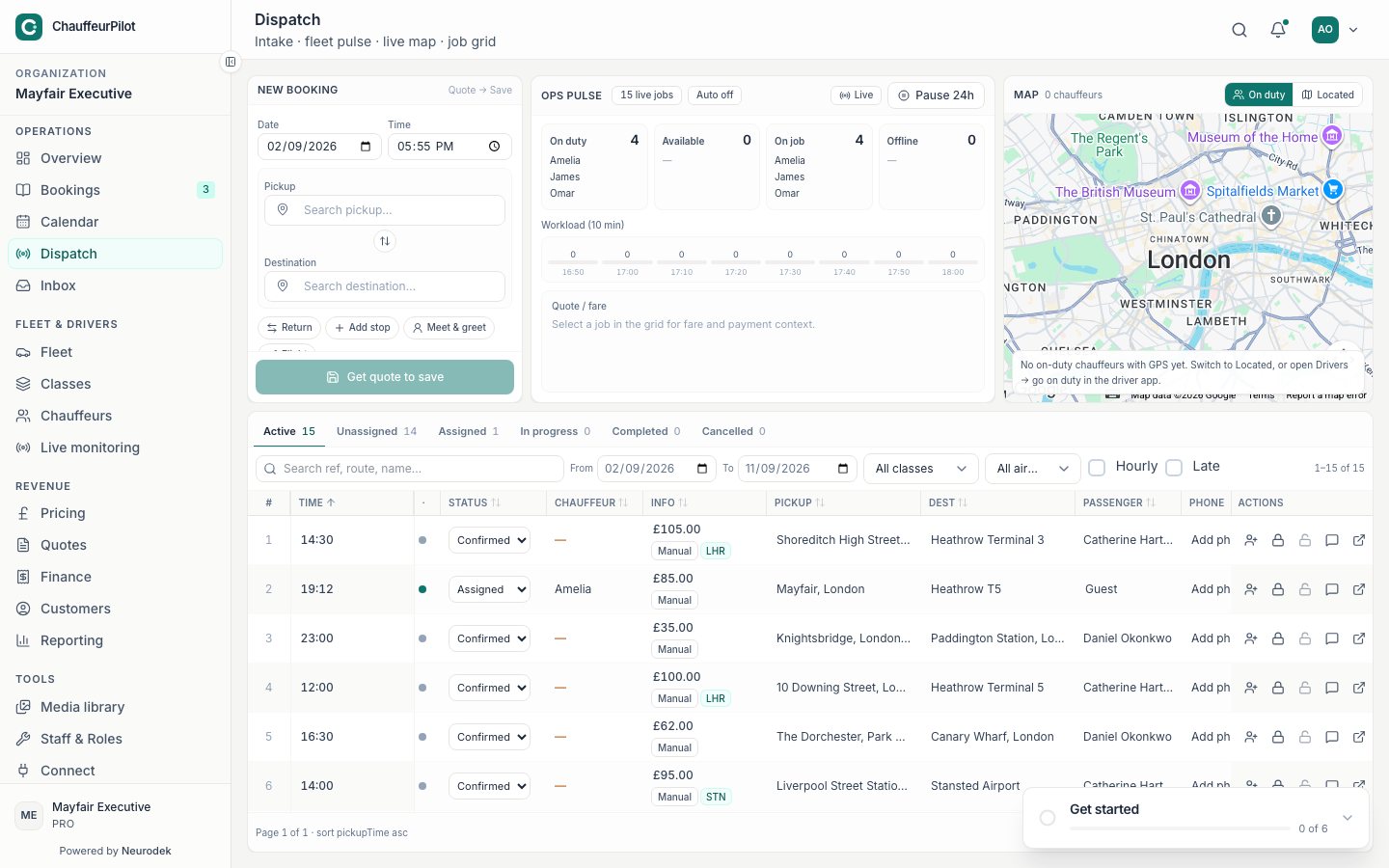
While you drive, ops track the job on Dispatch -
Advance trip statuses honestly
Only mark arrived / passenger on board / completed when true — passengers may track you on a public track link.
-
Complete Trip Recap
Confirm extras / notes as prompted. Missing recap can delay invoice close-out.
Gap: Native Trip Map / Recap screenshots not captured (simulator). Steps match the chauffeur app trip flow.