Drivers · How-to
Driver invite & documents
Operators invite from the console. Drivers finish personal info, license, and vehicle documents in the native chauffeur app before taking jobs.
-
Operator sends the invite
In the console: Chauffeurs → invite by email. The driver receives an email or magic link.
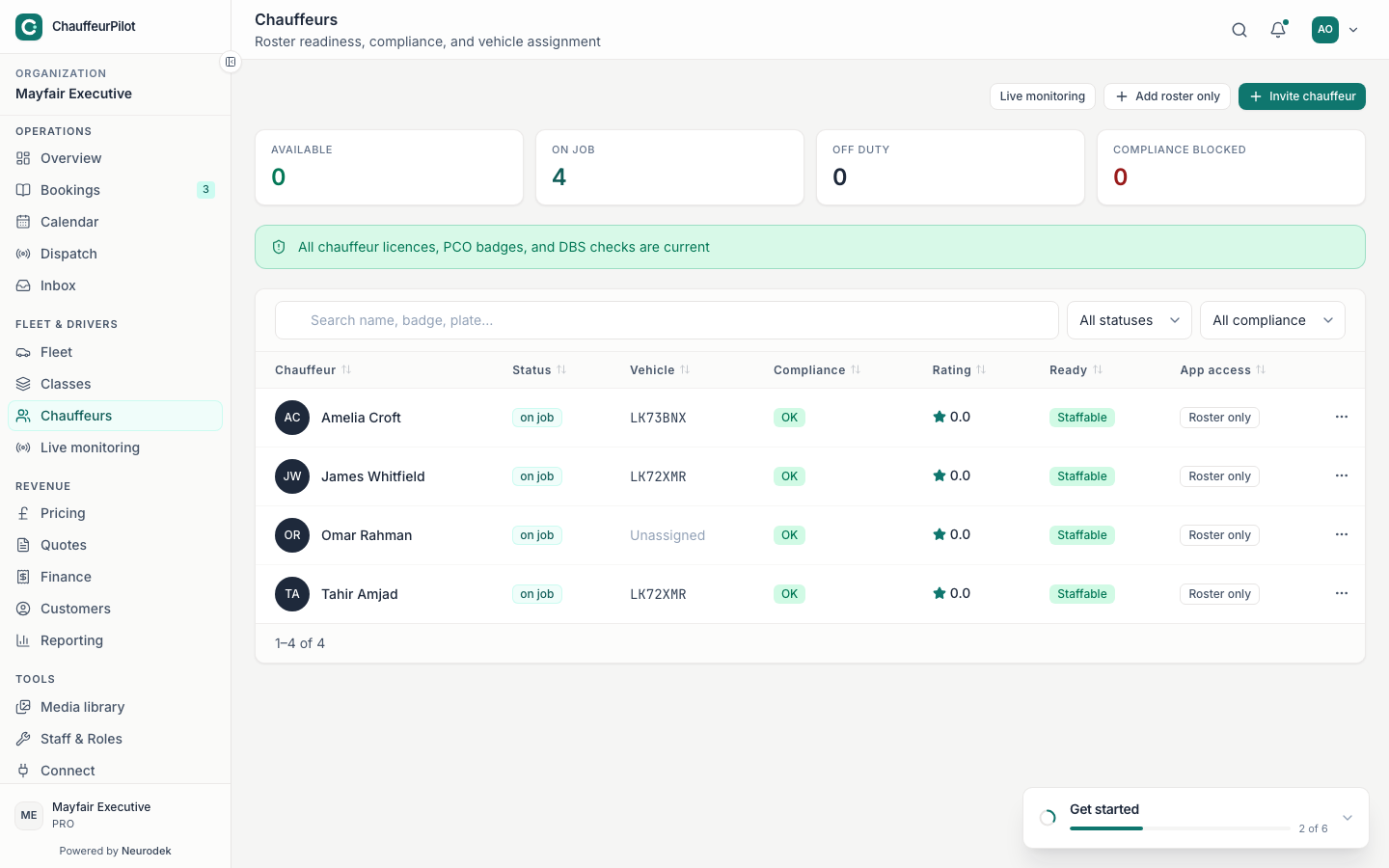
Operator side — invite from Chauffeurs -
Open the invite in the driver app
Install the chauffeur app, open the invite link, and accept. Sign in with the invited email.
-
Complete personal info, license, vehicle docs
Docs gate → Personal info → Driving license upload → Vehicle documents. Wait for operator approval if required before Today unlocks.
Gap: Native onboarding screens were not captured (no iOS/Android simulator in this pass). Steps above match the current driver-app flow; operators can still complete invites from the console screenshot.