Troubleshooting
Payments troubleshooting
Most payment failures are card/bank side or a quote that was never published with valid rates.
-
Confirm the amount & currency
Operators: check the booking / invoice total in Finance. Money is stored as integer pence.
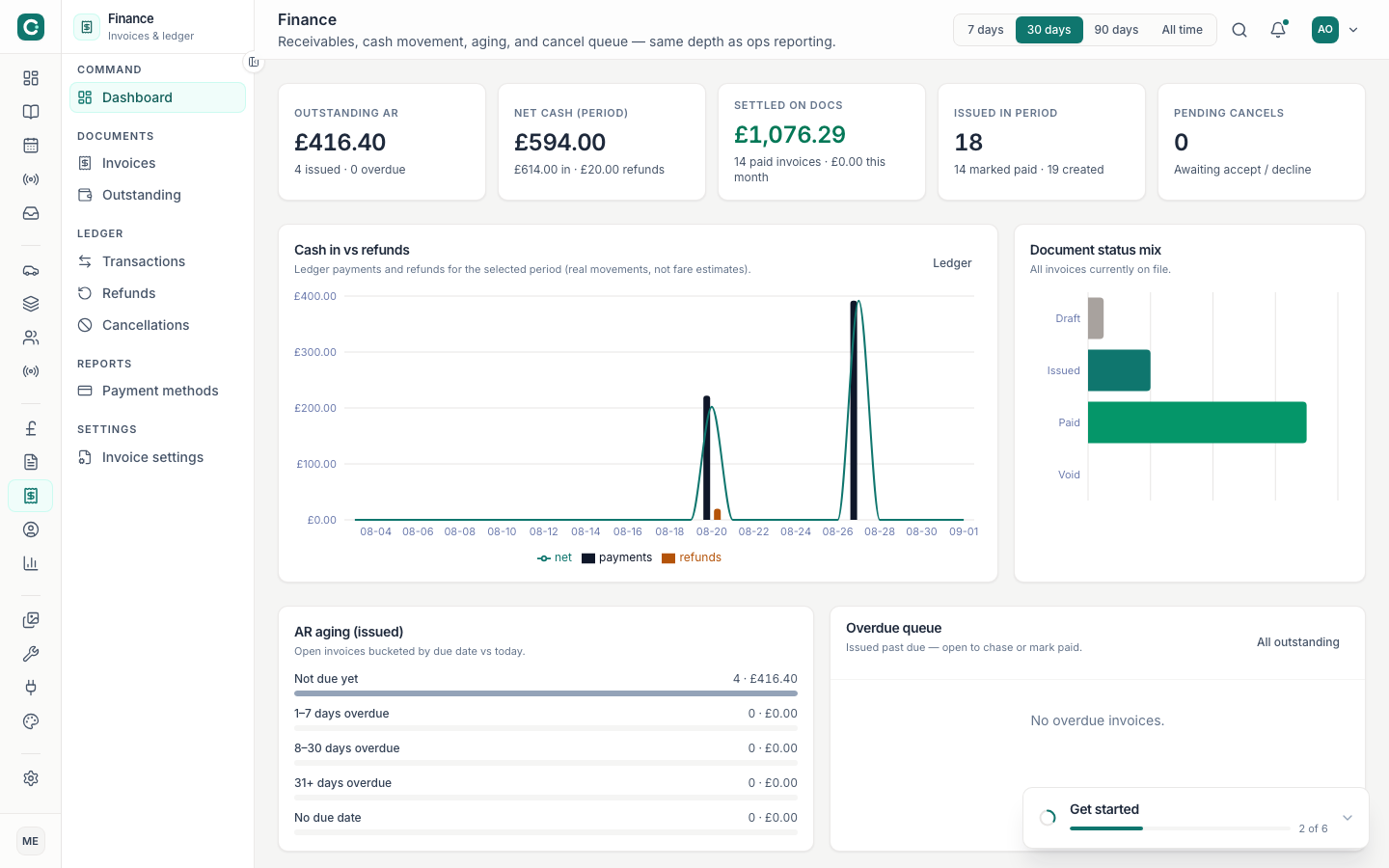
Finance — verify invoice amount and status -
Empty or zero public quotes?
Publish pricing first. Gaps on Pricing overview mean classes are not ready to quote.
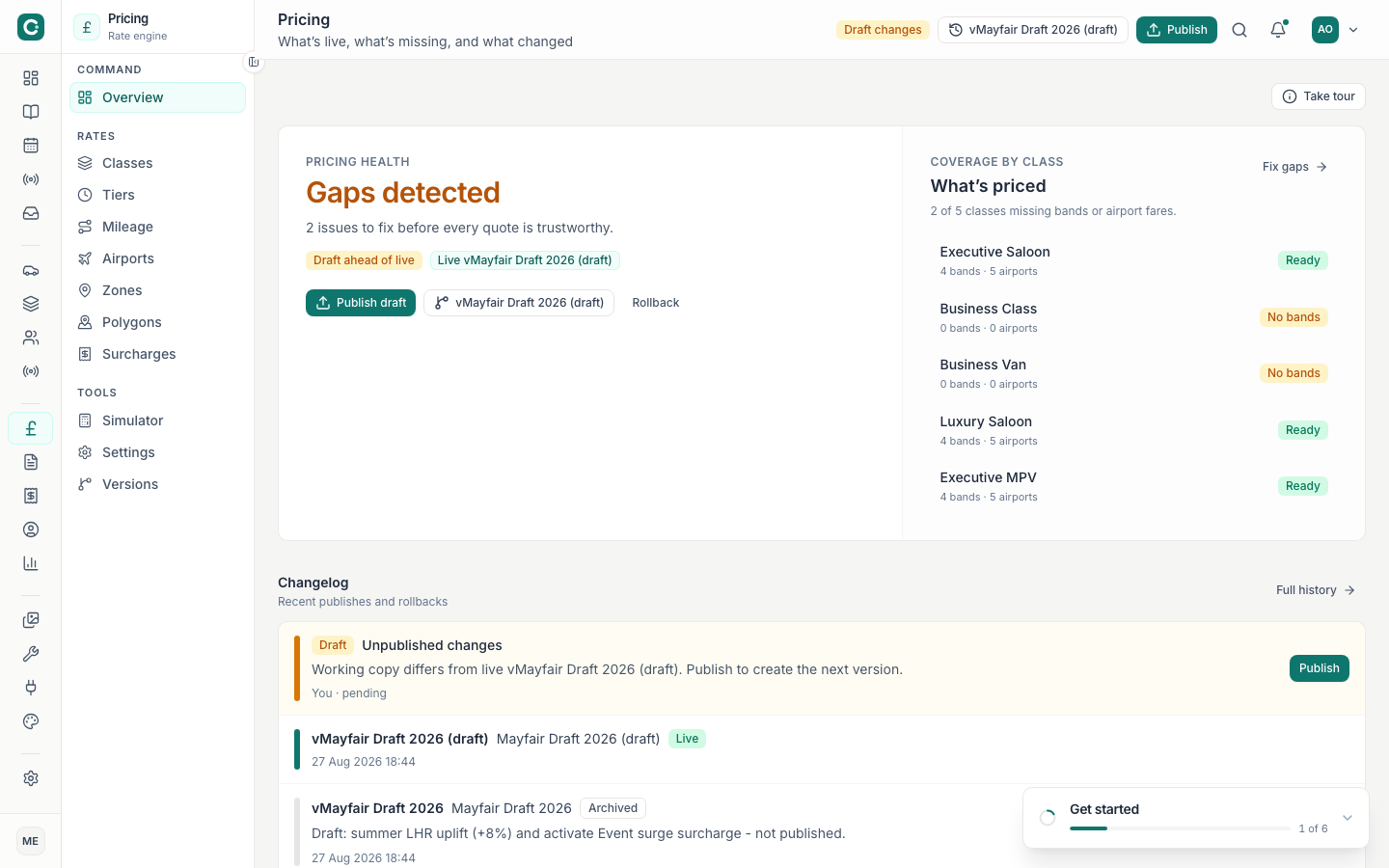
Fix pricing gaps and Publish before blaming Stripe -
Retry with another card
Ask the passenger to retry. If Stripe Elements shows a bank decline, that is not an app bug.
-
Check Connect / payouts (operators)
Connect — incomplete onboarding blocks some charge flows.
-
Still failing?
Capture the booking id, approximate time, and last 4 of card (never full PAN) for support.
Never paste full card numbers, CVCs, or raw Stripe secret keys into tickets or chat.